Keenetic Family app
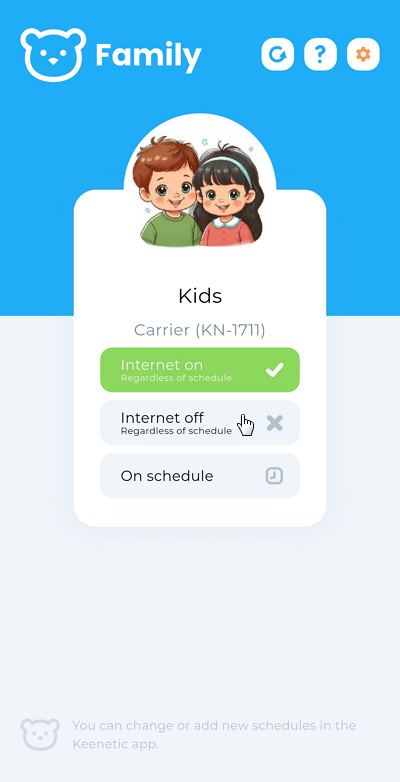
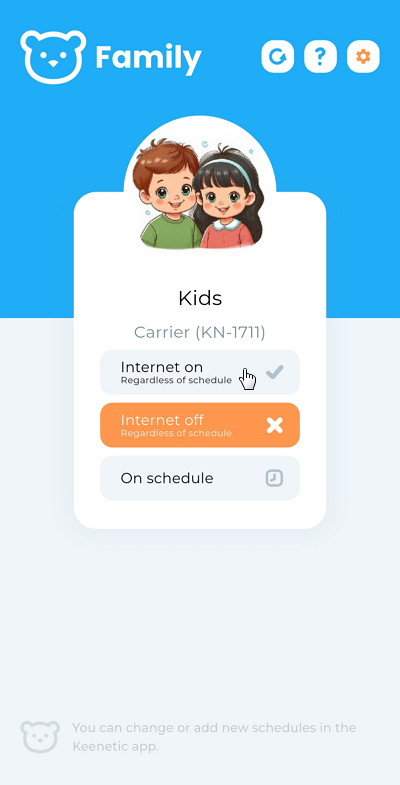
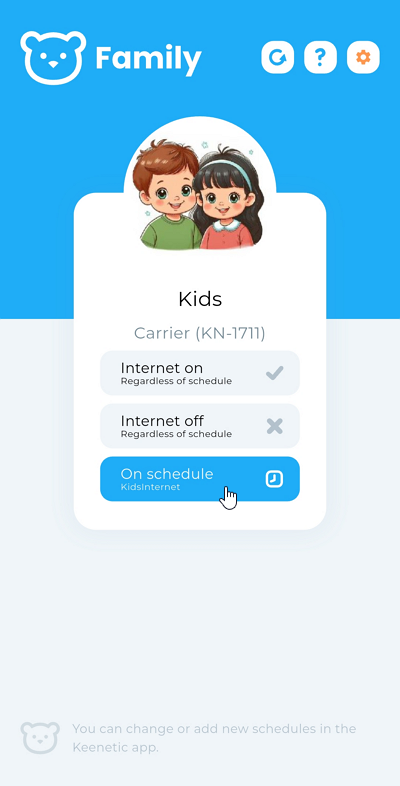
Keenetic Family for Keenetic devices is a very simple application that allows you to manage your family members' Internet access. By creating a family profile in the main Keenetic application and adding all client devices to it, for example, your child's, you can turn off the Internet with a single click or set a schedule for all of their gadgets at once.
The Keenetic Family app is supplementary to the main Keenetic app. Use it yourself or install it for adult members of your family.
The Keenetic Family app is available on
 |
 |
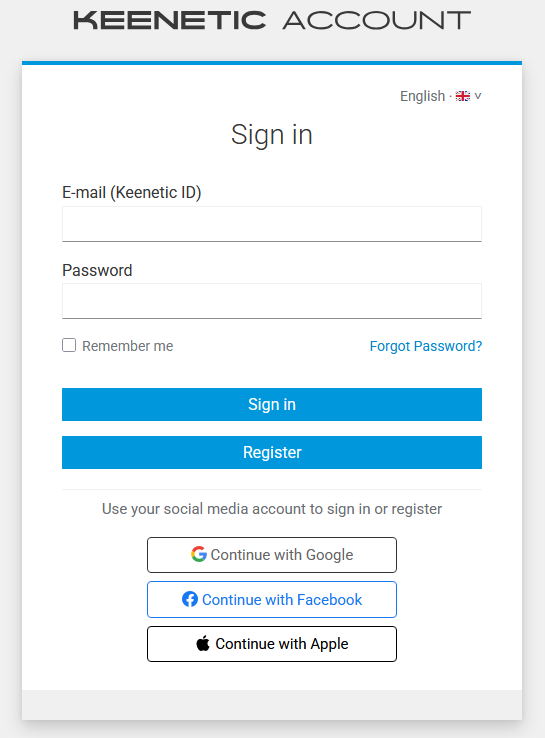
Launch the application. Tap the Sign in button to log in using your Keenetic account (the same account should be used in the main application).

After successful authentication, you will see the main screen of the application, which displays family profiles.
Important
To create and edit family profiles and schedules, use the main Keenetic application.
In this application, you can enable or disable Internet access for family profile devices with a single tap, as well as set a work schedule.